Getting Started
Welcome to BookmarkSync bookmark synchronization extension!
Introduction
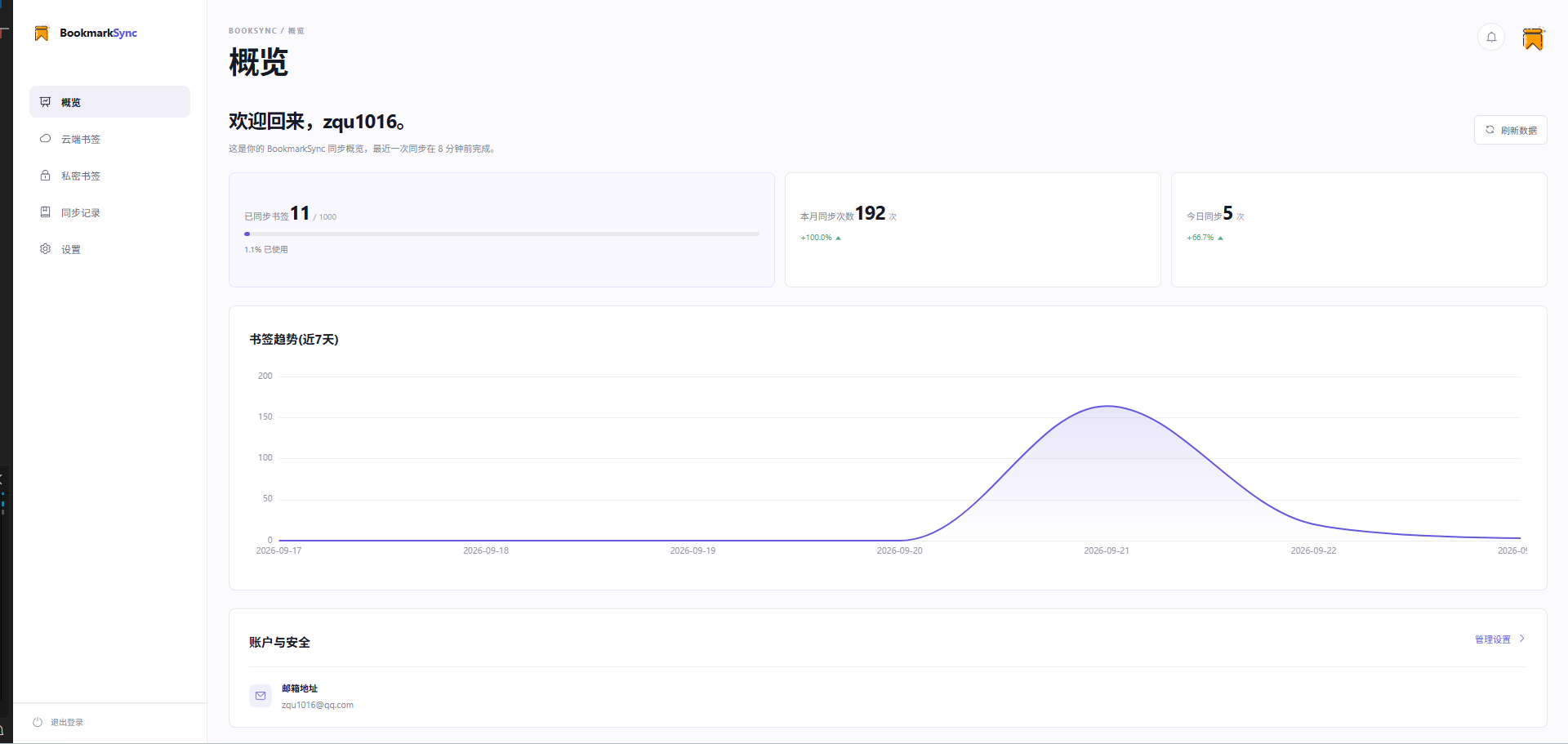
What is BookmarkSync
BookmarkSync is a browser bookmark synchronization management extension that provides multi-device bookmark sync, cloud bookmarks, and private bookmarks features. Cross-device bookmark management without requiring a Google account.
Core Features:
- Bookmark Sync: Automatically sync browser bookmarks across multiple devices without Google account
- Cloud Bookmarks: Save low-frequency bookmarks in the cloud without occupying browser bookmark bar space
- Private Bookmarks: Encrypted bookmark storage space requiring secondary password verification
Why You Need BookmarkSync
Although Chrome browser has built-in bookmark sync, it has the following limitations:
- Requires Google account login (restricted access in mainland China)
- Multi-device sync requires continuous online connection
- No hierarchical management for bookmarks (frequently used vs. backup)
- Lacks additional privacy protection layer
BookmarkSync is designed to solve these pain points.
Why Cloud Bookmarks and Private Bookmarks Are Necessary
Why Cloud Bookmarks?
Browser bookmark bar space is limited, and managing becomes difficult when bookmark count grows. Many websites only need occasional access and don't need to stay in the bookmark bar. Cloud bookmarks provide a separate storage space to save these "backup URLs" in the cloud, keeping the bookmark bar clean and efficient.
Why Private Bookmarks?
Some bookmark content involves privacy or sensitive information (such as internal work systems, personal accounts, etc.), which you don't want others to easily see on shared devices. Private bookmarks provide an additional security protection layer through secondary password verification, ensuring only you can access this content.
Core Features
- 📝 Simple and Easy to Use - Intuitive interface design, ready to use
- 🌍 Multi-language Support - Supports Chinese, English and more
- 🔍 Quick Search - Search bookmarks by title and URL
- ⚡️ Cloud Management - Cloud and private bookmarks solve traditional bookmark management pain points
- 🔒 Security Encryption - Encrypted data transmission and storage, protecting privacy
- 🔄 Auto Sync - Automatic synchronization across multiple devices, real-time data updates
FAQ
Pricing
Q: Is this extension free?
A: This extension is currently completely free. We may introduce premium paid features in the future, but we promise:
- Core features permanently free: Bookmark sync, cloud bookmarks, private bookmarks and other launched features permanently free
- 1000-item storage quota permanently free: Sufficient for 95%+ users, never reduced
- Future charges only for value-added services: Such as higher storage quotas, advanced features, etc.
Note: If your bookmarks exceed 1000 items, the current version does not support expansion and cannot sync the excess.
Data Security
Q: Is my data secure?
A: Your data security is our top priority:
- ✅ Encrypted Storage: All data stored using encryption algorithms
- ✅ Key Isolation: Encryption keys stored separately from data, dual protection
- ✅ Transmission Encryption: Data transmitted via HTTPS encryption
- ✅ Privacy Protection: We will not use, share or sell your bookmark data
- ✅ Administrator Isolation: Even system administrators cannot view your bookmark content
Other Questions
Q: Which browsers are supported?
A: Currently supports Chrome and Chromium-based browsers (such as Edge, Brave, Opera, etc.).
Q: Need to stay online all the time?
A: No. Sync operations will occur automatically when online, you can use local bookmarks normally offline.
Q: How to sync across multiple devices?
A: Use the same account to log in to the extension on different devices, bookmarks will automatically sync in the cloud.
Next Steps
- Check Installation Guide to learn how to install and configure the extension
- Check Cloud Bookmarks Documentation for detailed cloud bookmarks usage
- Check Private Bookmarks Documentation for private bookmarks features